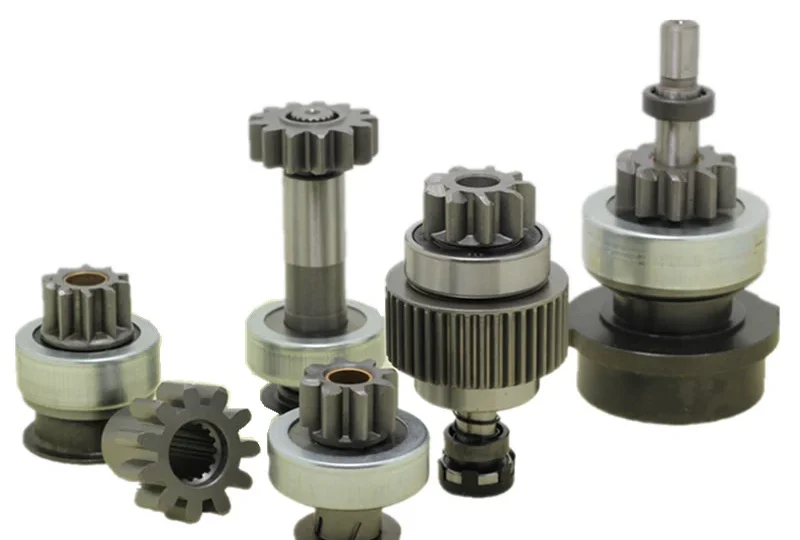


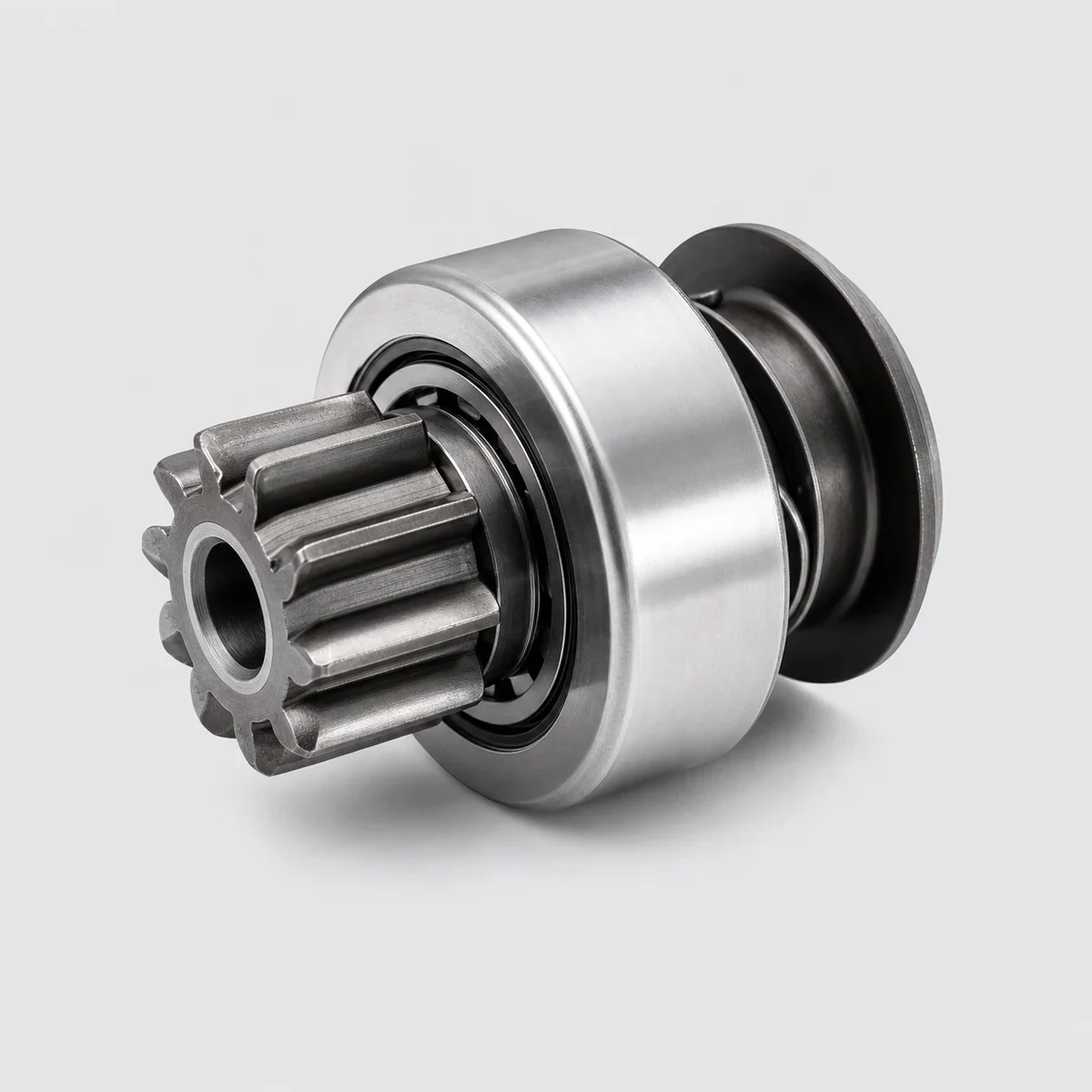
A starter drive rotation callout needs three things: the part that moves, the direction it moves and the end from which you are looking. Write “starter pinion turns clockwise during cranking, viewed from the pinion end looking toward the motor” if that is what the controlled drawing specifies. The same turn appears counterclockwise from the opposite end. An order line containing only “CW” leaves room for both readings.
Decide which rotation the catalogue gives you
Read the heading and the illustration for the actual entry. A complete starter catalogue may be describing the starter output. A drive catalogue may give a direction for the loose component under its own convention. Engine or ring gear rotation belongs on a separate line. If any of those fields came from a service manual, keep the page and revision beside the number so the next buyer can check the reference.
ZEN’s published starter drive catalogue includes a CW or CCW field alongside tooth and spline information. That field belongs to the item in that catalogue. If an entry does not make the viewing convention clear, refer to its legend or ask the manufacturer to confirm it. Keep the original entry as received and add a separate normalized description for your purchasing record once the convention is known.
Separate starter output from movement inside the drive
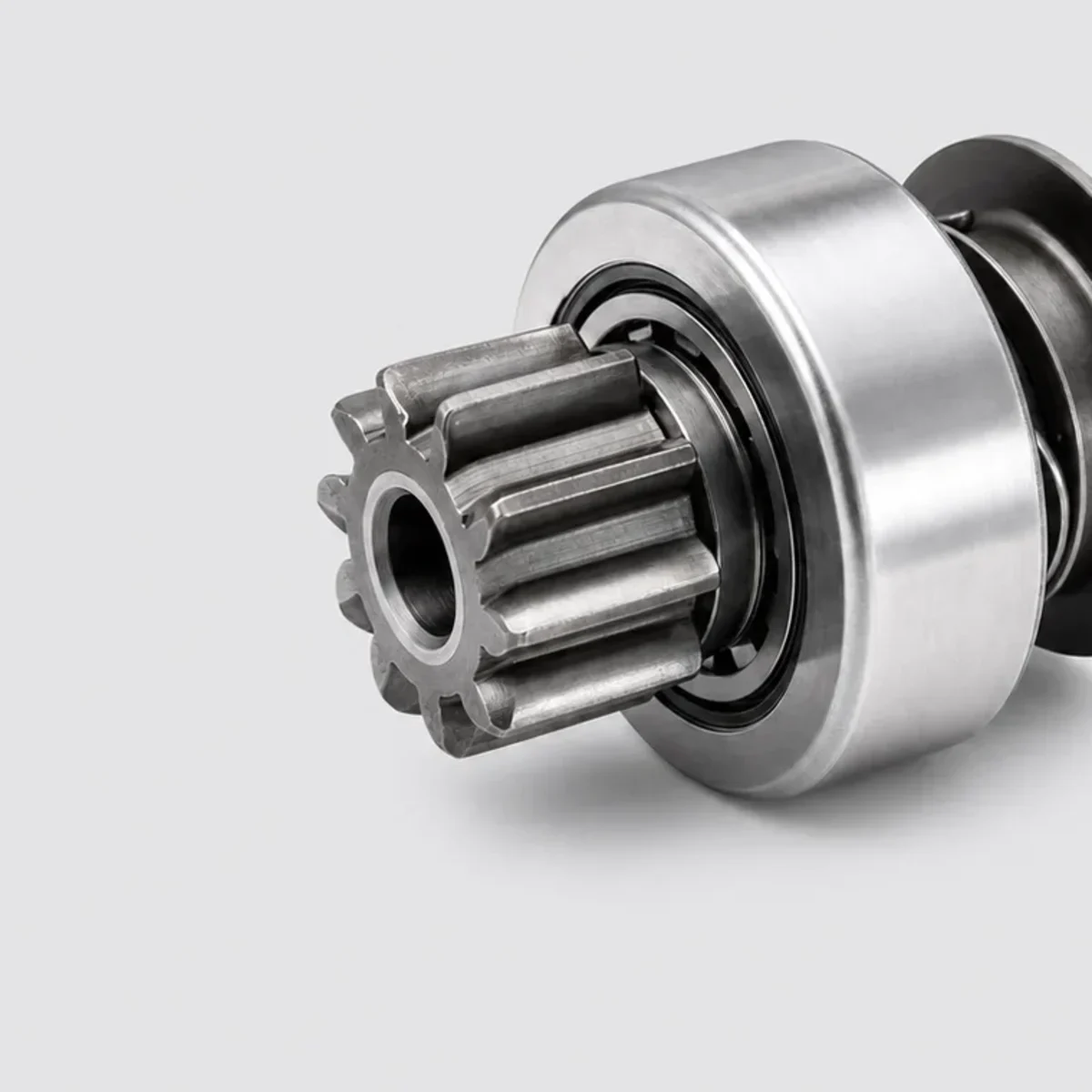
Starter output direction describes how the pinion turns during cranking. Armature direction describes the motor shaft inside the assembly. In some starter designs the torque passes through a reduction stage before it reaches the pinion, so determine the relationship from the actual layout. Use the manufacturer’s definition if a catalogue names the motor or output. DENSO identifies different starter layouts, including designs with a planetary reduction between the armature and overrunning clutch.
The direction of a clutch hand check is a relative observation. Suppose the sleeve is held, the pinion is turned by hand, and the inspector is looking from the pinion end. A free turn in one direction describes pinion motion relative to that held sleeve. If another inspector holds the pinion and turns the sleeve with the same viewpoint, the relative direction is reversed. Record both members’ roles before comparing the two notes.
During cranking, the drive transfers torque toward the pinion. When the engine drives the engaged pinion faster than the driving side, the clutch can overrun. Axial retraction moves the pinion out of mesh. Retraction and overrun describe different motions and should have separate observations if either matters to the inquiry. Bendix drive, pinion engagement and overrunning clutch terminology.
Use a record both inspectors can reproduce
| Field | Information to record | What to compare first |
|---|---|---|
| Starter output rotation | Moving member, direction, viewed end and cranking condition | Confirm the other source describes the same member and condition |
| Clutch lock and freewheel | Held member, moving member, viewed end and observation in each direction | Check for a swapped held member before treating the codes as contradictory |
| Engine context | Actual engine, ring gear and starter assembly references | Confirm the source applies to that assembly and service variant |
| Source and approval | Drawing and revision, catalogue code, supplier confirmation and approval scope | Trace the conclusion to the exact drive or complete starter ordered |
Take one photo from the recorded viewing end and a second side view showing the pinion, sleeve and housing. Mark the axis and direction on a copy of the photo. A curved arrow viewed from the side can be difficult to interpret, so put the written viewpoint with the arrow. Include the sample ID in the file name or on a separate tag. If the image is rotated for the report, keep the direction annotation attached to the actual viewing end.
Resolve a CW and CCW conflict in the order sheet
Suppose a buyer’s list says CW while a sample report says CCW. Compare the viewing ends before questioning the part. If one observer viewed the pinion end and the other viewed the motor end, the two observations can describe the same rotation. If the viewpoints agree, compare whether each person described cranking output, a loose clutch hand check or the engine. Against the same end, moving member and condition, conflicting directions need to go back to the drawing owner or supplier with the exact references.
A loose drive sent with a photograph but no starter ID is often enough to start identification. It leaves open which installation the order is intended for. Ask for the starter reference and the variant identifier, then compare the drive’s mating interfaces with the approved assembly. Keep the rotation decision and the fitment approval in their own fields, especially if the same product is listed against multiple starters.
Write the callout to survive a spreadsheet export
Use a column for the observed direction and adjacent columns for the member, view and condition. A row for the pinion in cranking can read “pinion,” “CW,” “viewed from pinion end toward motor” and “cranking.” A row for a loose-drive screen needs both the held and moving member. Put the sample ID and applicable drawing revision on the same record. That extra context stays with the row when the workbook is sent without its pictures.
When copying the record into an enquiry, keep the catalogue code and the normalized direction in different columns. If the code is unclear, preserve the original entry and request the expected viewpoint. A blank field may be safer to work with than an inferred direction that enters the receiving plan as a requirement. Add the confirmed wording and the source of that confirmation to the part master.
If a drawing changes, compare the old and new notes while both are available. Check whether the update changed the physical direction, the named member or only the direction from which the arrow is viewed. Record the outcome with the approved revision so receiving can resolve a mismatch on the carton without recoding every item in the series.
Questions that come up on repeat orders
Can I use a supplier’s CW code in my own catalogue?
Yes, if your entry names the same moving member and viewing end or states how the supplier’s convention was converted. Keep the original code and the source revision. A buyer using a catalogue exported without its illustrations should still be able to read the direction from the text.
Does a freewheel check identify the starter’s rotation?
It identifies the observed motion of one clutch member relative to the other under the agreed setup. Use the controlled starter information to assign cranking direction. If a receiving check is required, state whether it is a direction screen and give the expected observation for each direction.
How should I record a family with both rotations?
Give each approved part number and rotation its own order row. Include the mating reference and the quantity per variant. Keep the directional description on the receiving sheet as well as the purchase order.
For a starter drive inquiry, send the complete starter reference, drive number, photo orientation and the drawing or catalogue entry that defines rotation. Include the quantity by variant and any fitment questions your receiving team needs to resolve. Send the starter and drive references.